
digital art school
January 2027 Enrolments Now Open
who this is for
Creatives with plenty of ideas but limited digital art experience.
Artists wanting to learn Procreate in a supportive environment.
Business owners wanting to create stronger visual content.
Designers wanting to develop a more expressive visual language.
Anyone ready to move beyond templates and create original digital artwork.
what students from term 1 say
I am reconnecting with a childlike sense of joy in creating I haven't felt since I was a teenager.
Paige is such a generous and loving teacher. Literally the opposite of gatekeeping. I couldn't believe how much she packed into this term.
I cherished every class and came to know that whatever was in store was always going to be fun.
I've been wanting to do animations for some time and it felt like a very big overwhelming task, but you made it so easy to learn and the results are super exciting with so little.
This class is opening worlds for me creatively. I can’t believe how inspired I feel and how much this is expanding what I thought was possible.
It was all so cool and I would've just kept on attending if there weren't an end date haha
I loved how comprehensive it was and a lot of the things I didn't think I'd be capable of, or particularly drawn to, ended up becoming things I gained not only deep interest but real facility in.
your enrolment includes
10 × 90-minute live online classes
Choose a Wednesday or Thursday live studio session.Lifetime access to class recordings
Revisit demonstrations and learn at your own pace.Downloadable resources + creative exercises
Continue exploring and practising between classes.Procreate brushes + paper textures
A collection of tools to support your experiments.Live demonstrations + creative guidance
Follow the process, explore techniques and ask questions along the way.Creative community + shared inspiration
Share your work, exchange ideas and learn alongside fellow creatives— including a celebratory final live studio.
term breakdown
10 WEEK TERM
week one:
procreate orientation
Get comfortable in Procreate through essential tools, simple brushwork and layers, creating a small artwork as you learn your way around.
week two:
design thinking + composition
Explore how balance, hierarchy, contrast, rhythm and negative space work together to create compelling visual compositions.
week three:
brushes, textures + imports
Discover the expressive possibilities of Procreate brushes. Explore different marks, import brush sets and paper textures and build confidence using them in your artworks.
week four:
expressive typography
Create typography-based artworks using hierarchy, spacing, contrast and atmosphere, exploring words as both language and visual form.
week five:
abstract artwork
Experiment with shape, colour, layering, transparency and texture to create rich abstract digital works.
week six:
digital illustration
Explore watercolour brushes, pencils, shading and hand-drawn digital mark-making to bring depth and character to your illustrations.
week seven:
digital collage + mixed media
Bring photographs, found imagery and your own traditional artwork into digital compositions through layering, masking and collage techniques.
week eight:
introduction to animation
Bring your artwork to life by creating simple animated loops in Procreate for social media, websites and visual storytelling.
week nine:
building your visual language
Reflect on the work you’ve created and discover recurring colours, textures, symbols and compositional choices that become recognisably yours.
week ten:
creative exchange + celebration
Celebrate your progress, share artwork and discoveries from the term, and find inspiration in each other’s creative approaches. Sharing is welcome, never compulsory
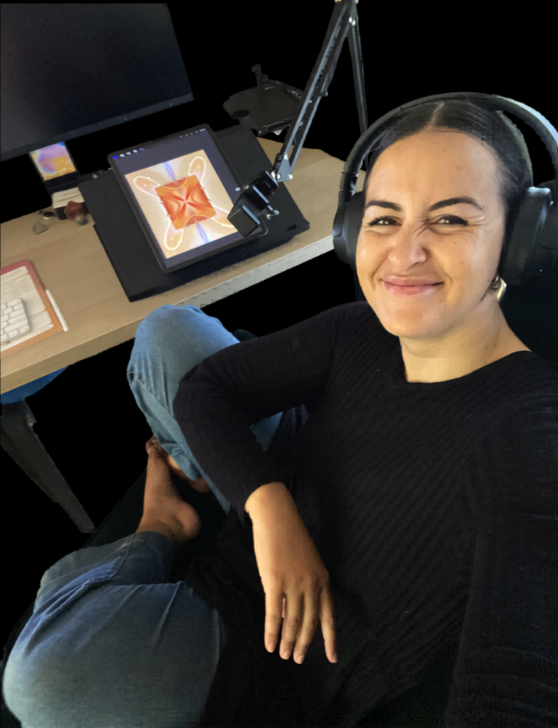
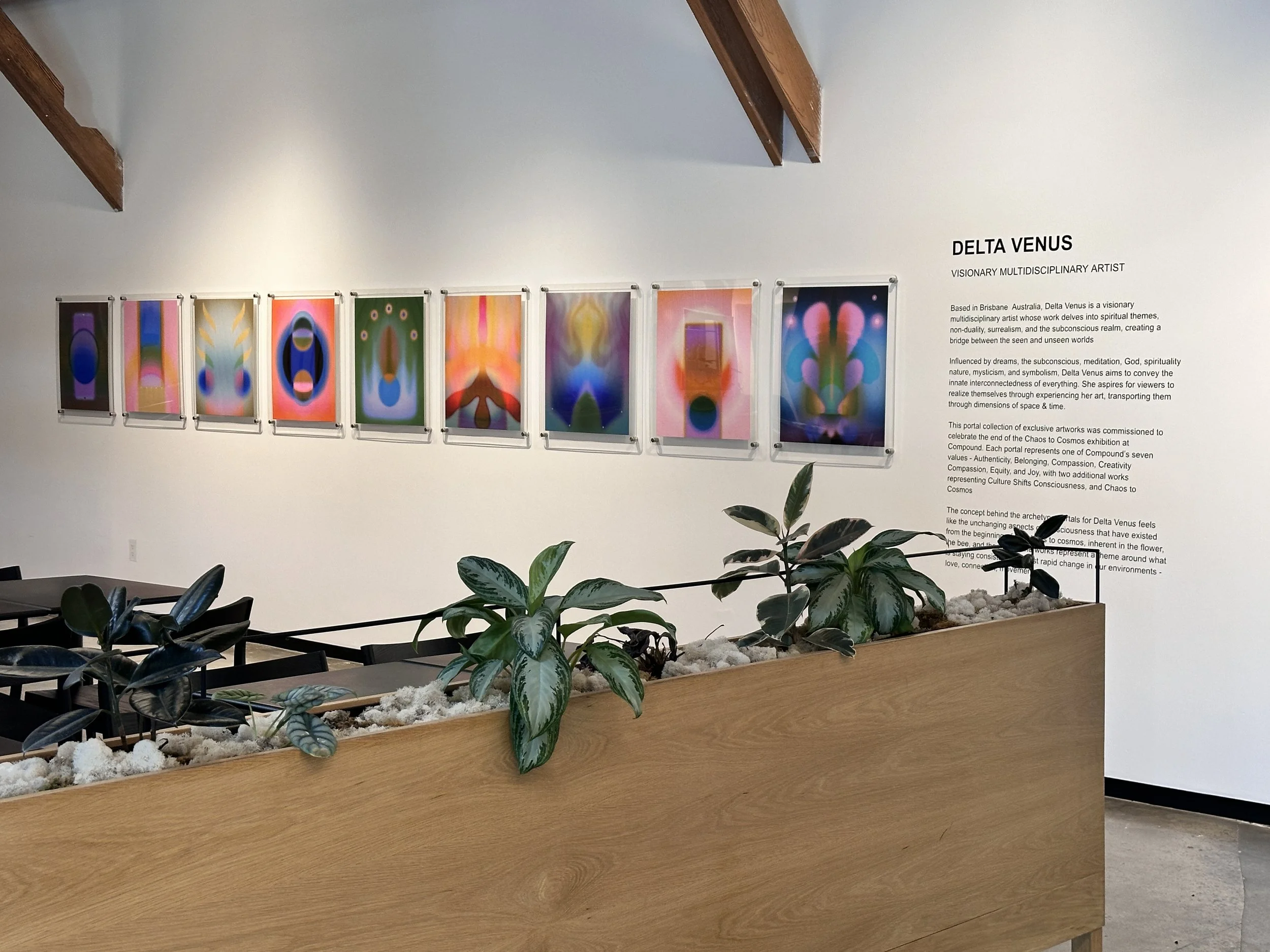
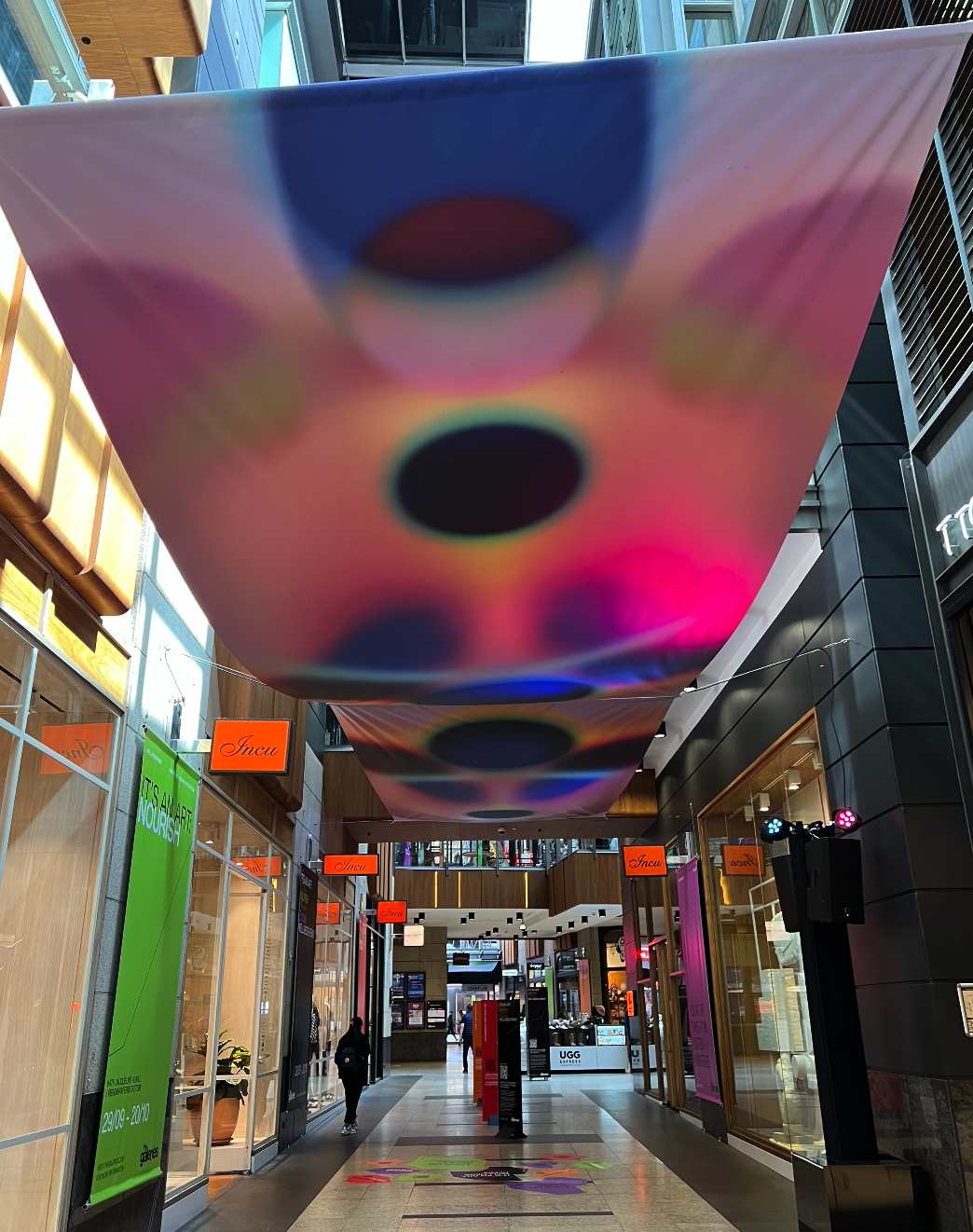
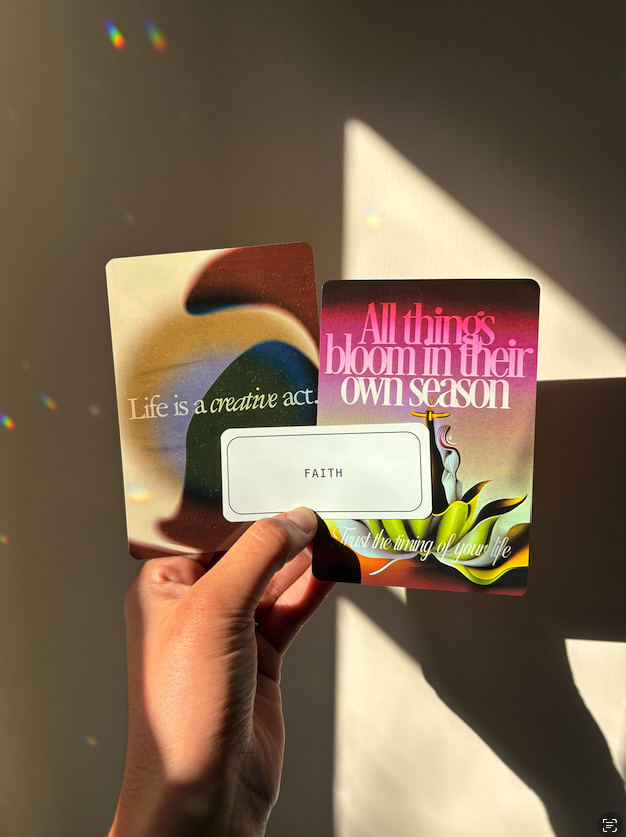
Paige [DELTAVENUS] is a multidisciplinary artist, designer and educator whose work explores texture, symbolism, visual myth and energetic atmosphere through digital mediums.
Over the past decade, Paige has worked professionally as both an artist and designer, creating everything from branding and packaging to publications, murals, public artworks, digital products and large-scale creative commissions. Alongside her professional practice, she has built a global audience of more than 100,000 people by sharing her artwork and creative process online.
Drawing from years of industry experience, Paige teaches digital art in a way that is approachable, encouraging and deeply practical—helping students build both technical confidence and their own unique creative voice.
about your teacher
term details + dates
Term Dates
January 6 – March 11, 2027
Weekly Live Studio Sessions (Timezone in AEST)
Wednesday 5:00 – 6:30PM
Thursday 9:00 – 10:30AM
All times above are Brisbane/AEST (UTC+10) - please check in your local time. Each studio covers the same weekly lesson.
Replay Access
Lifetime access to class recordings through your student portal.
Digital Software
Procreate + Canva
Equipment Needed
An iPad compatible with Procreate. Apple Pencil recommended.
Experience Level
Beginner to Intermediate
this term has limited places
enrolment options
Tuition
$444 AUD
10 Weeks Live Studio Sessions
Lifetime Replay Access
Resources + Brushes Included
Payment Plan Available as 2 × $222

By the end of the term you will have a strong foundation in digital art, a collection of finished artworks and the confidence to continue creating independently.

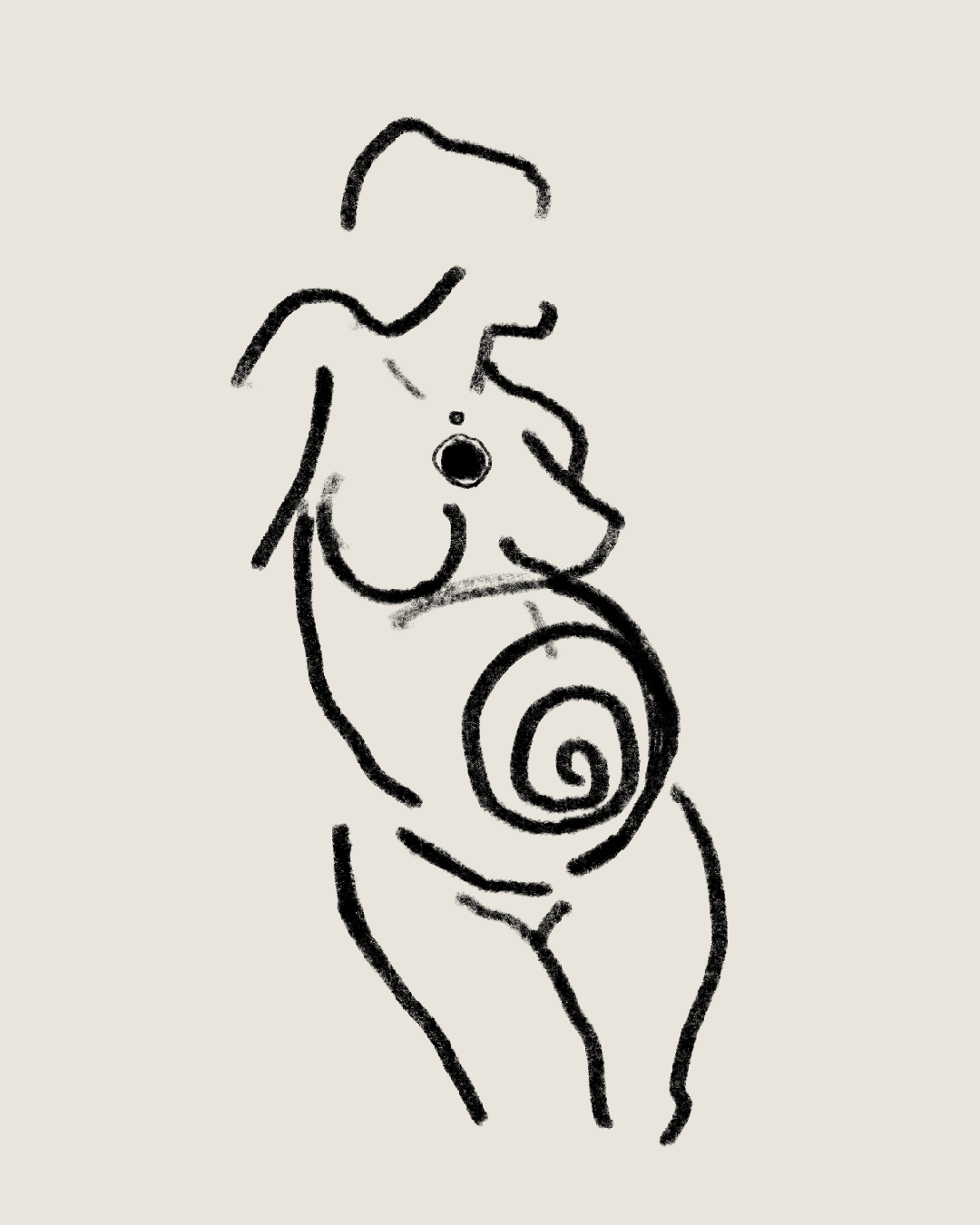
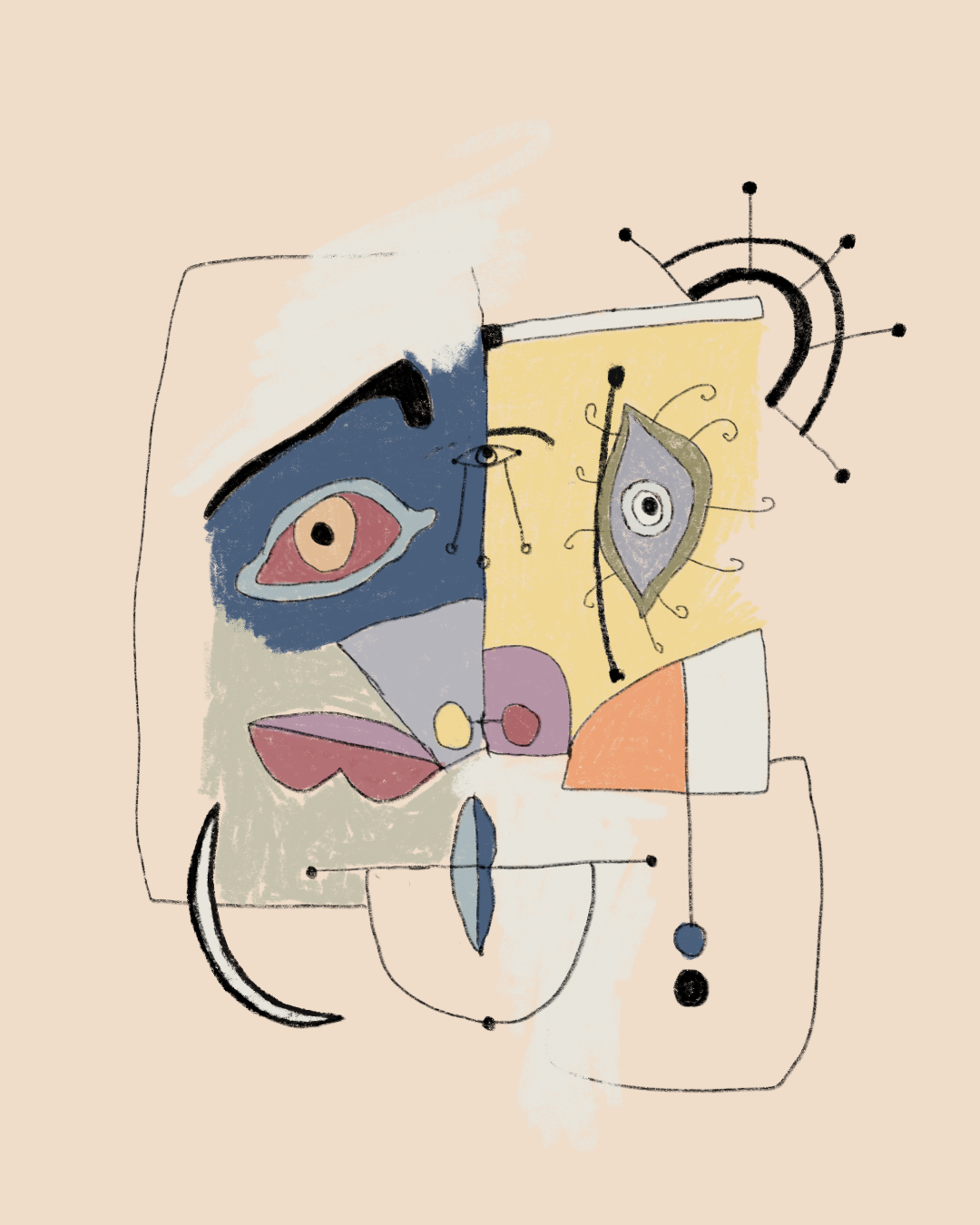
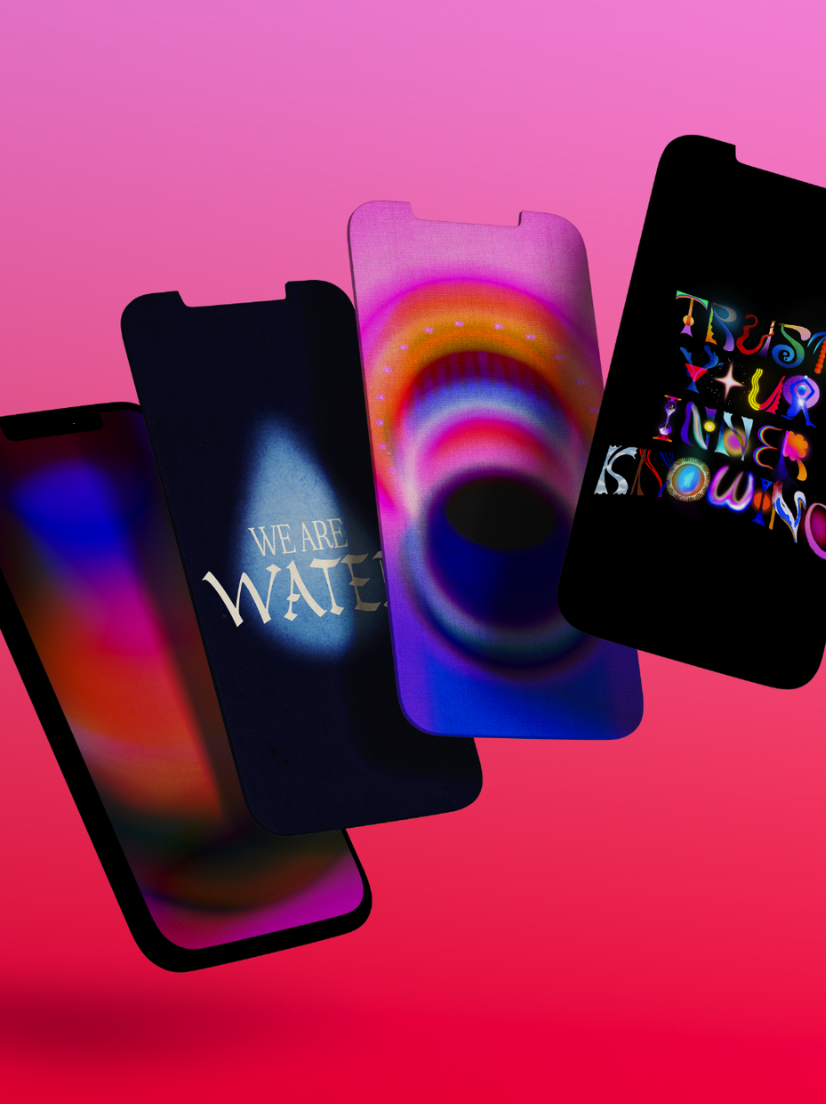
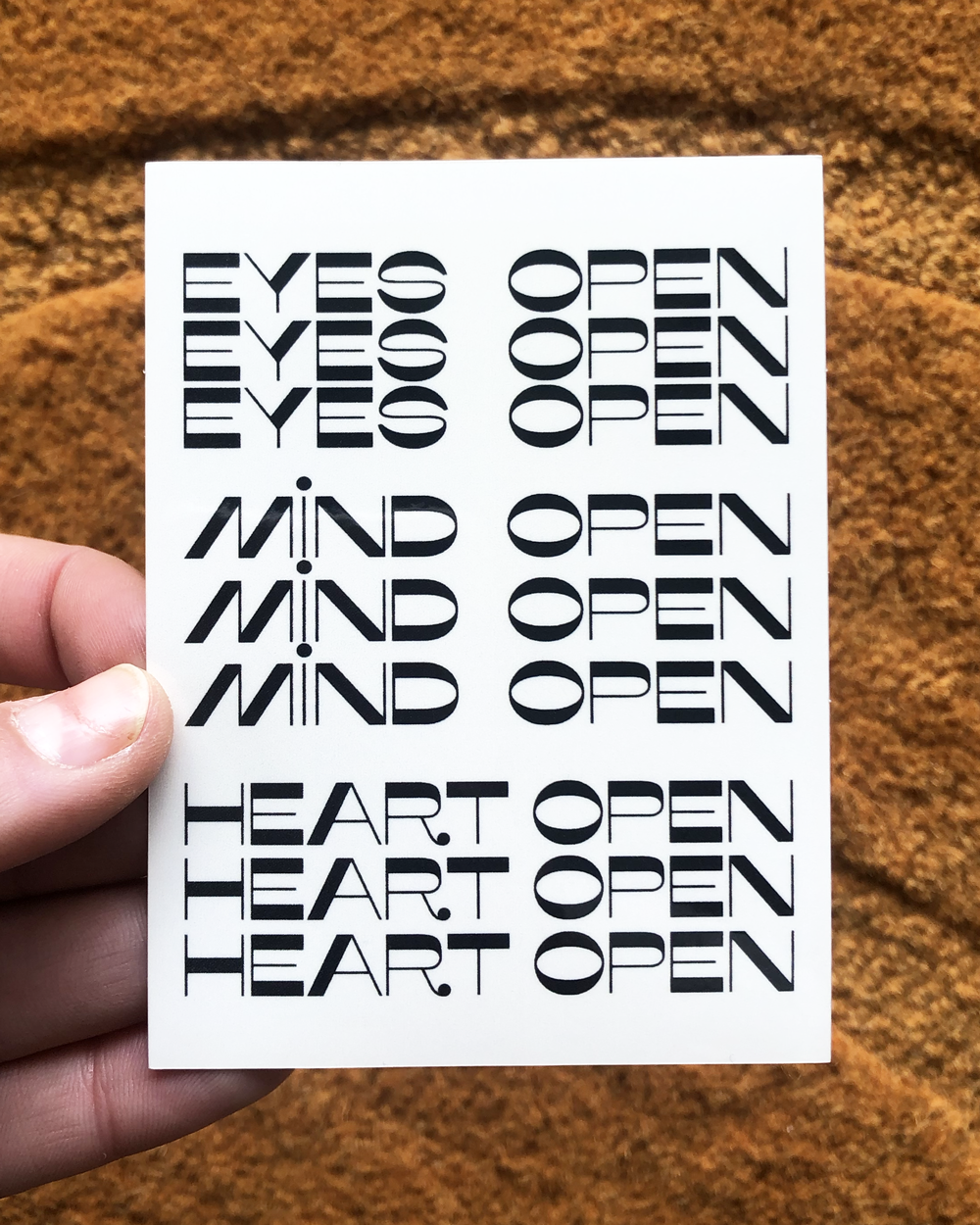
whats possible with digital art
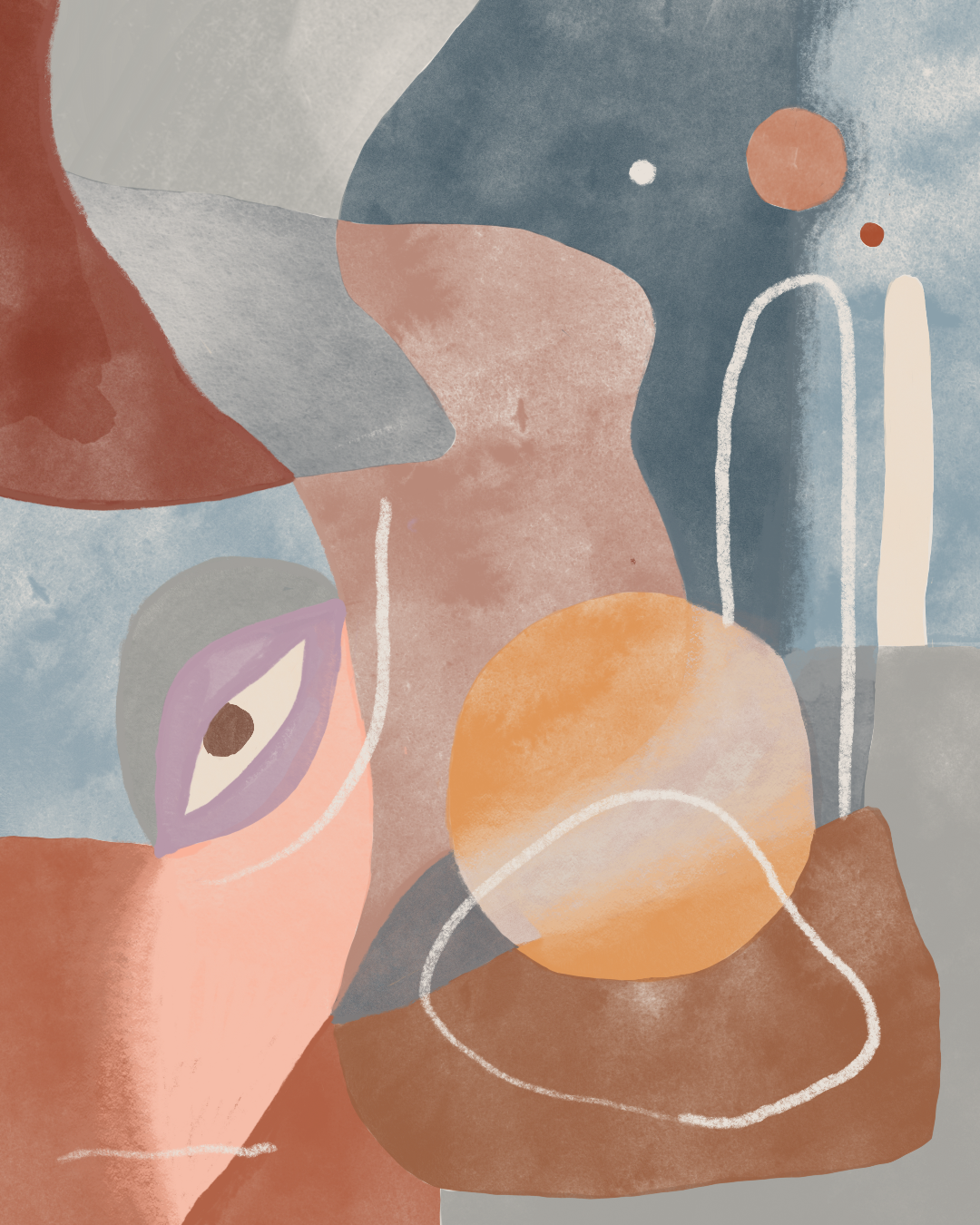
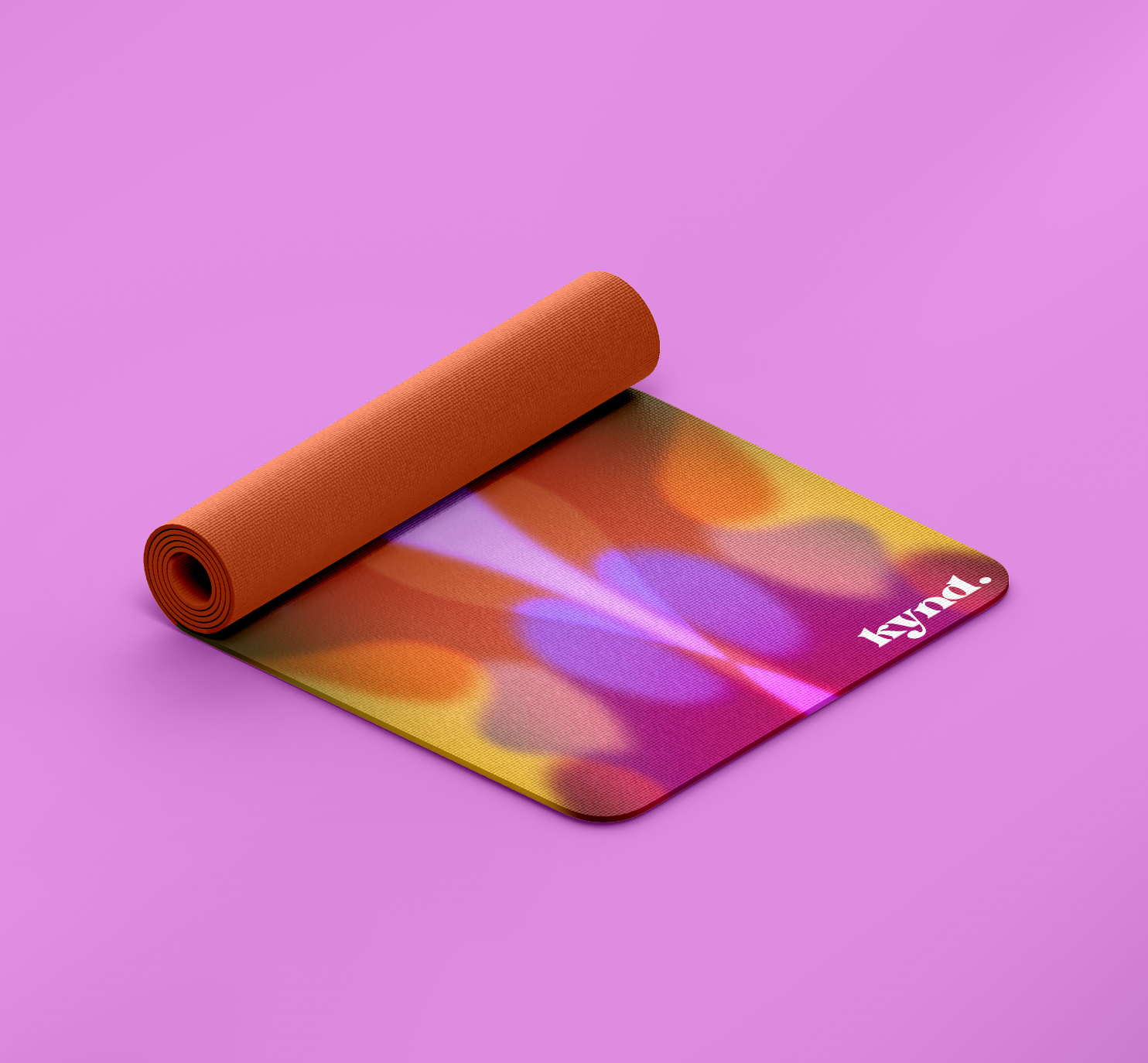
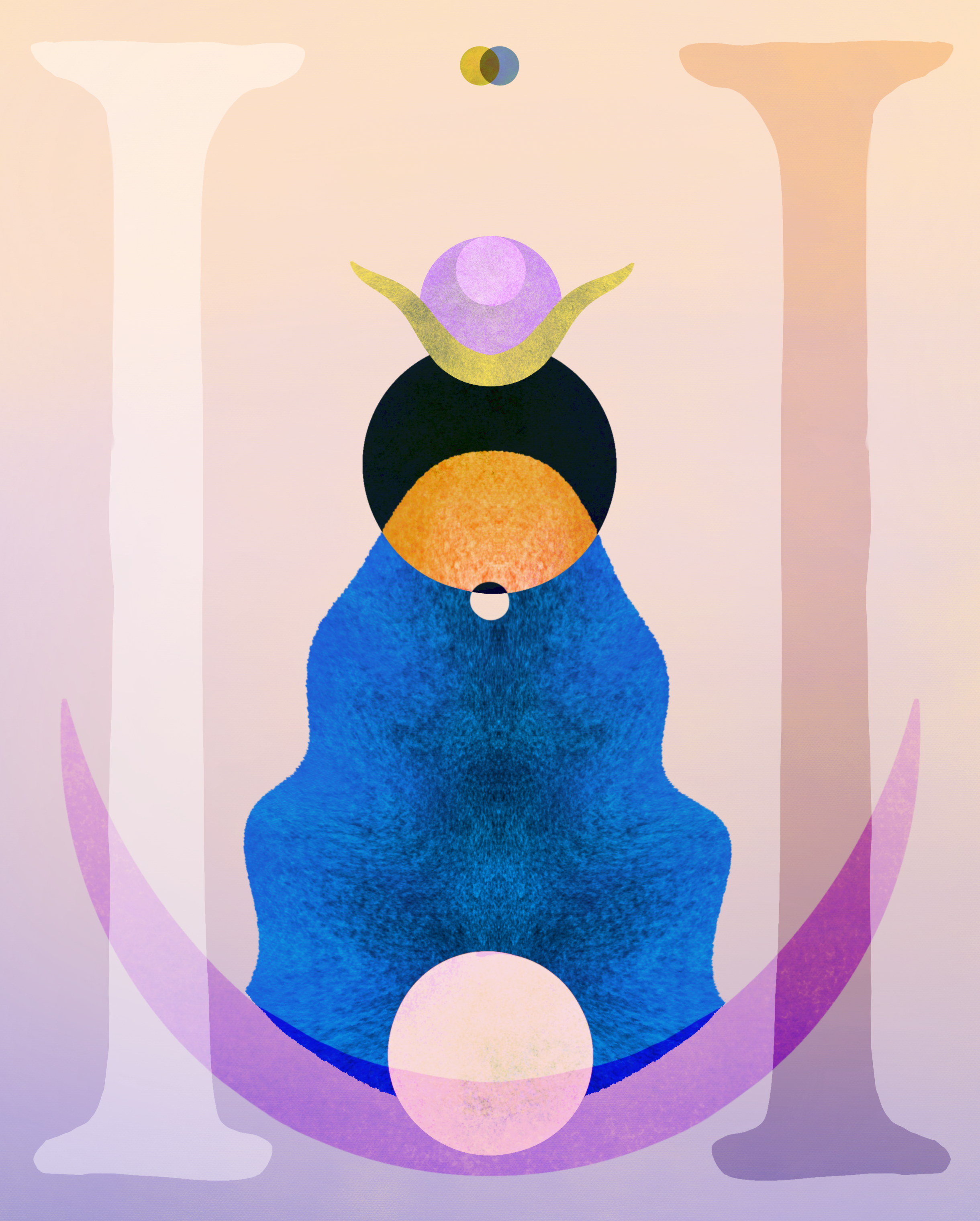
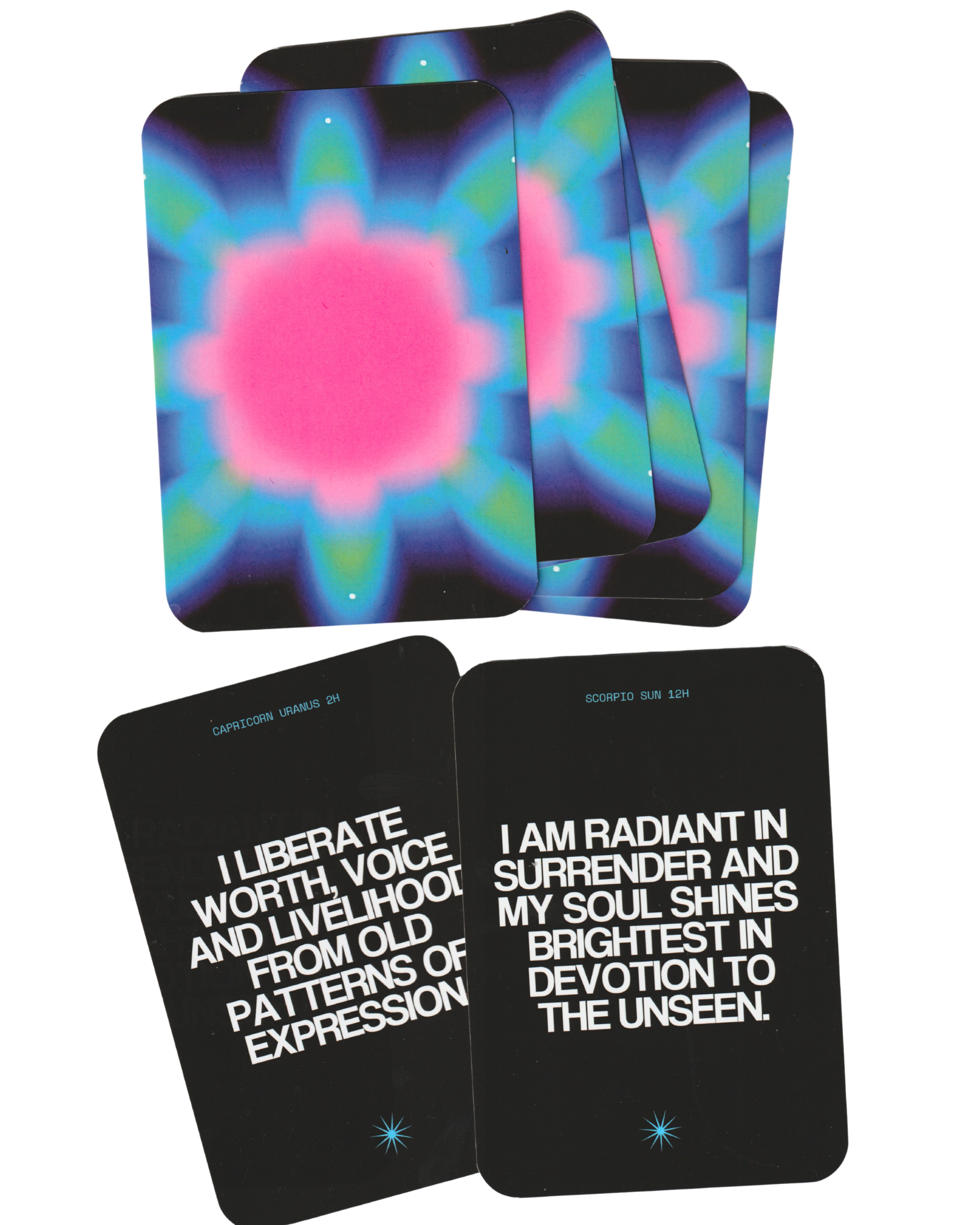
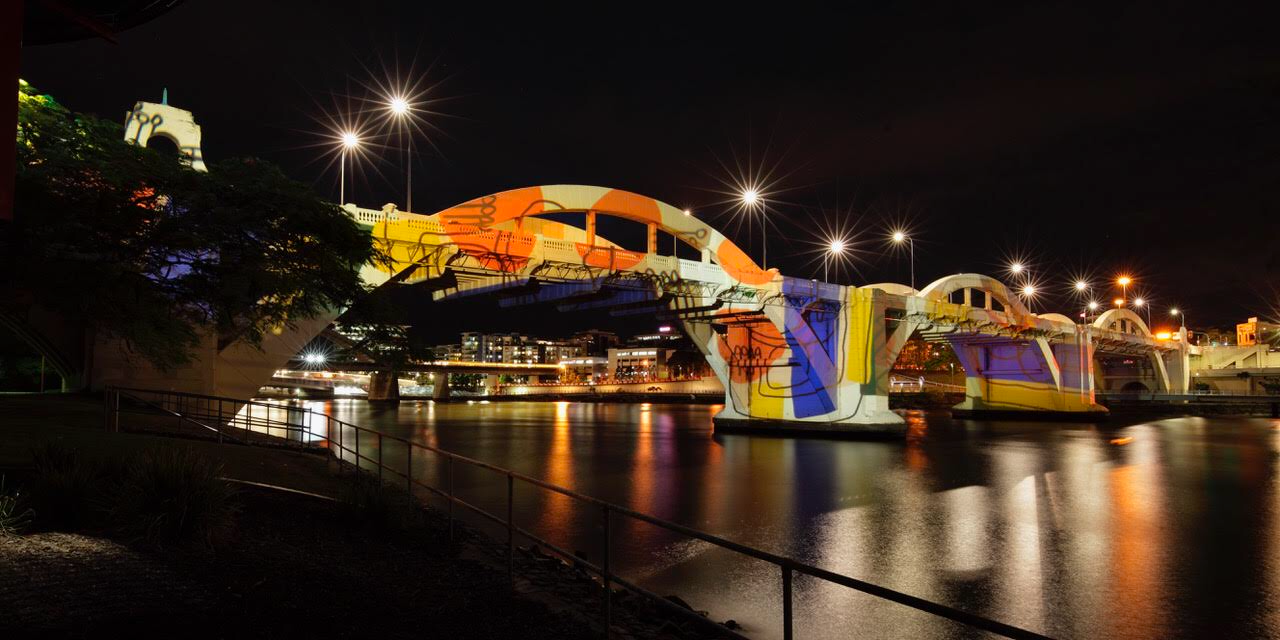
A selection of professional and personal artwork created by Paige over the past decade.

frequently
asked
questions
-
An iPad and an Apple pencil are recommended for the best experience in these classes. I also recommend a paper-like screen protector for more controlled and precise brushstrokes.
If you work with another drawing tablet or device, you are still welcome to join. Be sure to check and see if you can access Procreate on your device as this is essential.
-
The classes will primarily be taught using Procreate and a little bit of Canva. Most demonstrations will be done on iPad using Procreate, though many concepts can also be adapted across other digital art programs.
-
Yes. Every live class will be recorded and replay access will be provided so you can revisit lessons or catch up if you can’t attend live.
-
Each live session will run for approximately 90 minutes.
-
You will still receive access to the replay and any downloadable resources for the term.
-
This is a live 10-week term designed as a progressive learning experience. Each week builds upon the last, allowing you to develop skill, confidence and creative momentum over time.
-
There may be optional creative exercises and prompts between classes to help you continue practicing and integrating what you learn throughout the term.
-
Yes. The classes are intentionally paced to support learning gradually over the 10 weeks. Replay access also allows you to pause, revisit and move at your own rhythm.
-
Places are intentionally limited to support a more connected and focused studio environment.
-
Yes. A payment plan option is available at checkout.
-
Enrolment will close once the term reaches capacity or shortly before the start date Thursday July 23